Last updated: June 2026
You installed a brand new 4TB hard drive in your NVR. The system worked perfectly for 8 months. Then the recording started skipping, footage became corrupted, and eventually the NVR reported 'Hard Drive Error'. You replaced it with the same model and the same thing happened. The problem is not bad luck. You installed a desktop hard drive in a 24/7 recording application for which it was never designed.
Why Desktop Drives Fail in NVRs
Desktop hard drives (like the WD Blue or Seagate BarraCuda) are designed for 8 hours of operation per day, 5 days per week. They are rated for approximately 55 TB of data transfer per year. An NVR writing 24/7 at 50 Mbps consumes approximately 197 TB per year — nearly four times the desktop drive's rated annual workload.
The desktop drive's firmware prioritises quick read-write access over sustained writes. It does not have the vibration sensors (rotational vibration compensation) needed to maintain accurate head positioning when the NVR is writing multiple camera streams simultaneously. Over time, these repeated write errors corrupt the file system and cause the drive to fail.
What Surveillance-Rated Drives Do Differently
Surveillance-rated drives like WD Purple or Seagate SkyHawk include firmware optimised for sustained sequential writes (the pattern typical of continuous video recording). They support ATA Streaming, a command set that allows the NVR to write video data without interruption. They include rotational vibration sensors that compensate for the vibration from adjacent drives in multi-bay NVRs.
Most importantly, surveillance drives have a workload rating of 180-360 TB per year — matching the real demands of 24/7 CCTV recording. They are also designed to handle the higher operating temperatures typical of sealed NVR enclosures with limited airflow.
The Error Recovery Time Trap
Desktop drives have aggressive Error Recovery Control (ERC). When the drive encounters a bad sector, it may spend up to 2 minutes attempting to recover the data before reporting an error. During those 2 minutes, the drive is unresponsive — the NVR cannot write or read any video data. Two minutes of missed footage during a critical event is a serious security gap.
Surveillance-rated drives have a shorter error recovery timeout (typically 7 seconds) configured via TLER (Time-Limited Error Recovery). The drive gives up quickly, reports the error, and allows the NVR to continue writing. Some NVRs may drop a frame but do not lose 2 minutes of recording.

Why Your NVR Warranty Requires Surveillance Drives
Many NVR manufacturers void the warranty if a non-surveillance drive is installed. They enforce this because desktop drives cause performance problems that owners attribute to the NVR itself. If you file a warranty claim with a desktop drive installed, the manufacturer can reject it based on incompatible hardware.
The cost difference is approximately GBP 10-20 per 4TB drive. That GBP 10 savings costs you 3-4x the drive's lifespan and risks losing critical footage.
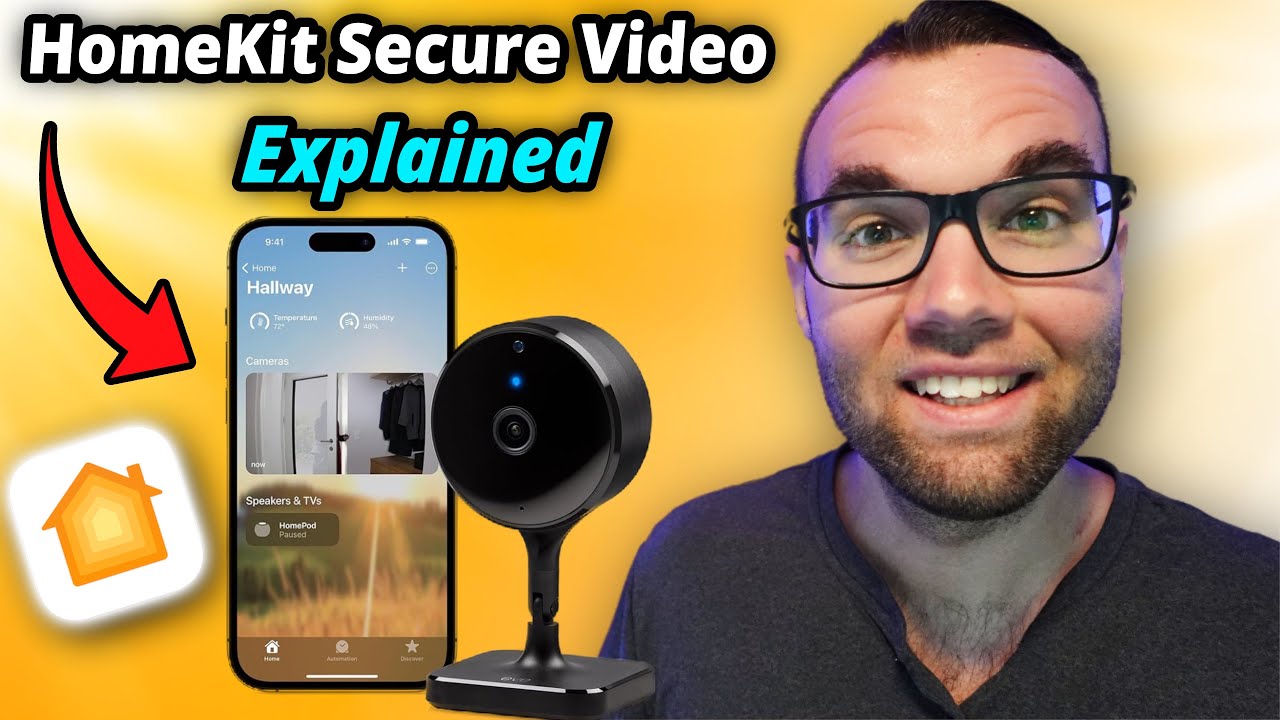
Video: Apple HomeKit Secure Video Beginners Guide! (2024) — a practical walkthrough of the technology discussed in this guide.
Frequently Asked Questions
1. Can I use an SSD instead of a hard drive in my NVR?
Answer: Some NVRs support SSD installation. SSDs handle 24/7 writes better than desktop HDDs but are more expensive per terabyte. For a typical home NVR with 1-2TB of storage, an SSD is viable. For larger storage needs, surveillance-rated HDDs remain the most cost-effective option. For more detail, see Best CCTV cameras for Home WiFi in 2026 - UK buyer guide. Also read our related guide: Why Rural CCTV Cameras Die Faster: The True Cost of UK Countryside Installation Nobody Advertises. Browse our comprehensive CCTV knowledge base at CCTV Systems Guide. Official UK guidance on this topic: SSAIB.
2. How often should I replace the hard drive in my NVR?
Answer: Surveillance-rated drives are typically rated for 3-5 years of 24/7 operation. However, many security professionals recommend replacing NVR drives every 3 years as preventive maintenance. Drive failure rates increase significantly after the 3-year mark. For more detail, see Does Farms and Agricultural Property CCTV reduce insurance premiums in 2026? UK guide. Also read our related guide: The Dawn Fog Problem: Why Your UK CCTV Camera Goes Blind Every Morning Between 5 and 7 AM.
3. Does RAID protect me from NVR hard drive failure?
Answer: Few consumer NVRs support RAID. If your NVR supports RAID 1 (mirroring), it provides protection against a single drive failure. Most home NVRs do not implement RAID, which means a drive failure results in complete loss of all recorded footage on that drive. For more detail, see Best CCTV cameras for Dental and Medical Practices in 2026 - UK buyer guide. Also read our related guide: Why Wasps Build Nests Inside CCTV Camera Housings and How to Stop Them Without Poison.
4. Will using a higher-capacity drive extend my NVR life?
Answer: Higher capacity drives (8TB, 12TB) do not necessarily last longer. Workload rating per terabyte is what matters. An 8TB surveillance drive with a 360 TB/year rating has the same reliability as a 4TB surveillance drive with the same rating. You simply get more storage per channel. For more detail, see Future of False Alarm Reduction CCTV in 2026 - UK trends and technology. Also read our related guide: Why Your CCTV Motion Detection Fails in the Rain: The Optical Flow Blindness That No Sensitivity Setting Fixes.
5. Why does my NVR say 'Hard Drive Error' when the drive tests fine on a PC?
Answer: The NVR runs a different set of diagnostics focused on sustained write performance and temperature. A drive that passes a desktop SMART test may fail the NVR's temperature test because the NVR enclosure runs 5-10 degrees hotter than a desktop case. Also read our related guide: The Condensation Inside Your CCTV Dome: Why It Happens and Why Wiping It Makes It Worse.
Conclusion
The difference between a security system that works and one that frustrates is understanding the real-world behaviour of cameras, cables, and the environment they operate in. Manufacturers sell specifications. Installers solve problems. The questions above represent the issues that UK homeowners and businesses actually face — the ones the spec sheets do not mention.
Article by Gary Pearce, qualified security systems engineer. For a free security assessment, visit gary-pearce-home-services.pages.dev. This guide was last updated June 2026. Verify current UK regulations with the ICO.