Last updated: June 2026
You bought an ONVIF-compliant camera. You bought an ONVIF-compliant NVR. They will not talk to each other. Or they connect but do not transmit audio. Or the PTZ controls work but motion detection events do not. The shipping box said 'ONVIF compliant' but that label means almost nothing without the profile letter. ONVIF has multiple profiles, and choosing the wrong combination is the most common reason why mixed-brand CCTV systems fail to deliver advertised features.
What ONVIF Profiles Actually Define
ONVIF is not a single standard. It is a family of standards organised into profiles, each defining a specific set of features. Profile G covers basic video streaming, recording, and PTZ. Profile Q adds quick installation (discovery, configuration) and security features (HTTPS, 802.1x). Profile T is the modern standard covering H.265 compression, analytics metadata, and advanced streaming.
A camera and NVR that both support Profile T will reliably exchange video, audio, metadata, PTZ commands, and event notifications from the same manufacturer or across brands — provided both devices are correctly implemented. A camera supporting only Profile G with an NVR supporting only Profile T may connect for basic video but fail on everything else.
The Implementation Variability Problem
ONVIF compliance is self-certified. There is no mandatory conformance testing. A manufacturer can claim 'ONVIF compliant' after running a basic connectivity test that streams one video channel. The NVR may recognise the camera, show a thumbnail, and even record — while silently failing on audio, two-way talk, motion events, and PTZ control.
The practical advice: when mixing brands, test every feature you intend to use before committing to the installation. Basic video streaming almost always works. Everything else is variable. The largest site I have encountered with interoperability issues had 37 cameras, 3 brands, and 2 years of ongoing compatibility problems.
The Firmware Update Trap
ONVIF implementation bugs are frequently fixed in firmware updates. A camera that fails to stream audio on its original firmware may work perfectly after an update. However, many manufacturers do not push firmware updates automatically. The installer must manually check and apply updates.
More critically: updating one device's firmware may break compatibility with a device that was previously working. ONVIF implementations evolve between firmware versions. A stable installation can become unstable after either the camera or NVR is updated.
The Practical Guide for UK Installers
Safe path: Buy camera and NVR from the same brand. Proprietary protocols (Hikvision's own, Dahua's own) offer more features and lower latency than ONVIF. Use ONVIF only when you must mix brands.
If you must mix: Ensure both devices support Profile T. Test all features within the return period. Document ONVIF settings and firmware versions. Update firmware on both devices before testing.
The profile evolution: Profile G (2011) is obsolete. Profile Q (2014) is useful for initial setup. Profile T (2018) is current. Profile M (2021) adds metadata for AI analytics. When buying new equipment, Profile T is the minimum acceptable specification.
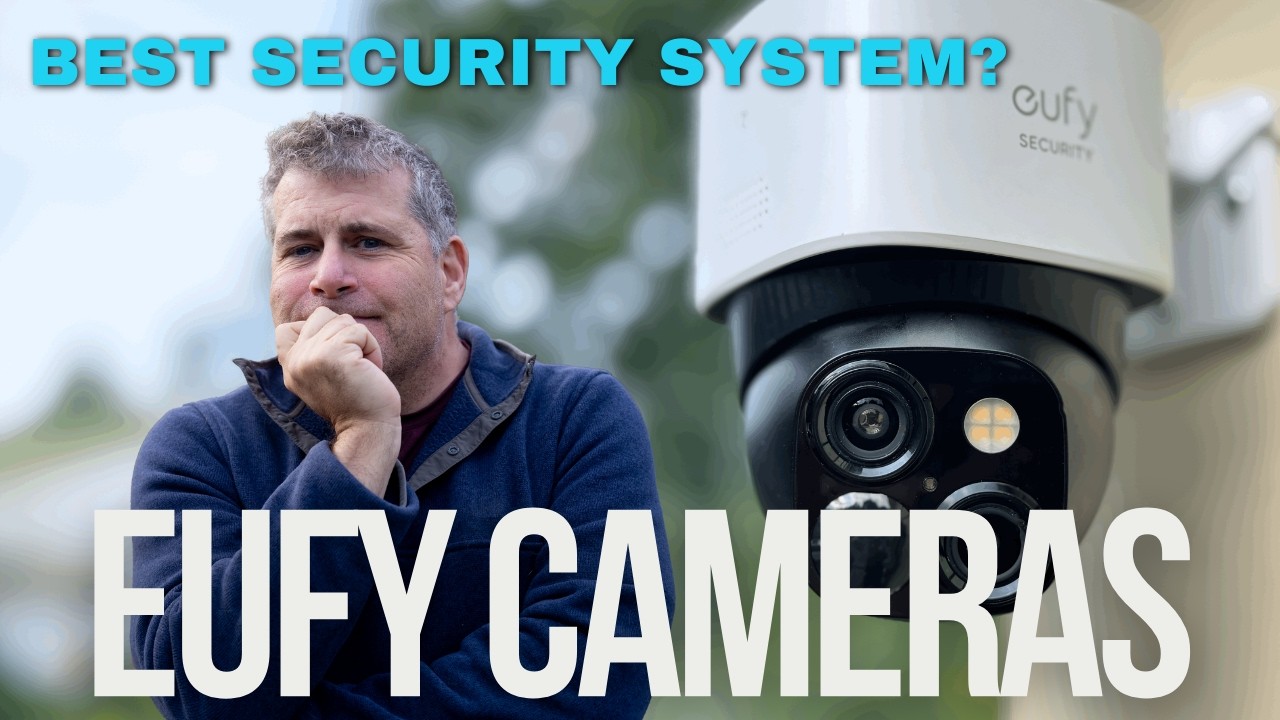
Video: Eufy Security Camera System: The BEST Home Security in 2025? — a practical walkthrough of the technology discussed in this guide.
Frequently Asked Questions
1. Can I add an ONVIF camera to a Hikvision NVR and expect full functionality?
Answer: Hikvision NVRs support ONVIF cameras for basic recording but restrict advanced features (smart events, AI detection, VCA) to Hikvision-branded cameras. This is intentional — it protects their proprietary system ecosystem. You will get video recording but may lose analytics. For more detail, see Does Construction Sites CCTV reduce insurance premiums in 2026? UK guide. Also read our related guide: The Varifocal Lens Secret: Why Adjustable-Focal-Length Cameras Are Worth 3x the Price for UK Installations. Browse our security technology hub at Uni Blog Security Hub. Official UK guidance on this topic: Surrey Security Centre.
2. Does ONVIF Profile M replace Profile T for AI cameras?
Answer: Profile M adds AI metadata streaming (object classifications, bounding boxes) on top of Profile T features. Profile M does not replace Profile T — it extends it. Both the camera and the receiver (NVR/VMS) must support Profile M for AI metadata to transfer. For more detail, see Future of False Alarm Reduction CCTV in 2026 - UK trends and technology. Also read our related guide: Why Your Camera's 'True WDR' Does Not Work: The Difference Between Digital and Real Wide Dynamic Range.
3. How do I check which ONVIF profile my camera supports?
Answer: Use the ONVIF Device Manager (free tool) to probe your camera. It lists all supported profiles. Alternatively, check the manufacturer's specification sheet for 'ONVIF Profile T' or 'ONVIF Profile G' — if neither is listed, the camera provides basic ONVIF but which profile is uncertain. For more detail, see Best CCTV cameras for Schools and Education Settings in 2026 - UK buyer guide. Also read our related guide: Can a Tenant Install CCTV in a Rented UK Property? The Legal Maze Nobody Warns Tenants or Landlords About.
4. Does ONVIF compliance guarantee that a camera will work with any VMS software?
Answer: No. VMS software like Blue Iris, Milestone, and SecuritySpy all implement ONVIF differently. A camera that works with one VMS may not work with another. Most VMS providers publish a list of tested and verified ONVIF camera models. For more detail, see Future of Retail Shops and Stores CCTV in 2026 - UK trends and technology. Also read our related guide: What Happens When You Ignore a Subject Access Request for Your CCTV Footage: The GBP 9,000 Legal Risk Nobody Takes Seriously.
5. Should I avoid ONVIF altogether and stick with one brand?
Answer: For new installations, a single-brand system is simpler, more reliable, and offers more features. ONVIF is a fallback for integration and replacement scenarios. The industry's direction is toward single-vendor ecosystems, not greater cross-compatibility. Also read our related guide: The Data (Use and Access) Act 2025: What UK Home CCTV Owners Must Know About the New Law That Changed Everything.

Conclusion
The difference between a security system that works and one that frustrates is understanding the real-world behaviour of cameras, cables, and the environment they operate in. Manufacturers sell specifications. Installers solve problems. The questions above represent the issues that UK homeowners and businesses actually face — the ones the spec sheets do not mention.
Article by Gary Pearce, qualified security systems engineer. For a free security assessment, visit gary-pearce-home-services.pages.dev. This guide was last updated June 2026. Verify current UK regulations with the ICO.