Last updated: June 2026
Firmware updates for IP cameras are a double-edged sword. They patch security vulnerabilities and add features, but they also introduce new bugs, change ONVIF compatibility, and can render a camera non-functional if the update is interrupted. UK installers face the decision of whether to update firmware on working cameras, and the answer is different for home users and commercial installations.

Security Vulnerabilities That Require Updating
Critical security vulnerabilities that warrant immediate firmware updating include: known default credential bypass (where an unauthenticated attacker can gain admin access to the camera), remote code execution (where a specially crafted network packet can execute arbitrary code on the camera), and backdoor accounts (where undisclosed user accounts exist in the firmware that an attacker can use). These vulnerabilities are typically disclosed on the manufacturer’s security advisory page, through MITRE CVE listings, or through security researcher disclosures. If a camera is isolated on a VLAN with no internet access and no port forwarding, the risk from these vulnerabilities is lower, and the update can be scheduled during a maintenance window.
Risks of Updating Working Cameras
Firmware updates can: change ONVIF event namespaces (breaking smart home integration and custom software), reset camera configuration to defaults (losing all settings), introduce new bugs (the update may fix one issue and create another), reduce compatibility with older NVRs (the NVR may need its own firmware update to work with the new camera firmware), and cause temporary downtime (the camera is offline for 5–15 minutes during the update, and if the update fails, the camera may need factory reset or become a paperweight). Each update cycle carries approximately 2–5% risk of requiring a factory reset and reconfiguration.
Update Strategy by Installation Type
For home users with 1–4 cameras on a VLAN-isolated network: update firmware only when a known critical vulnerability affects your specific camera model. Check the manufacturer’s website every 6 months for security advisories. Do not update for “general improvements” or “enhanced stability” unless you have a specific problem the update claims to fix. For commercial installations with 8+ cameras and security compliance requirements: subscribe to the manufacturer’s security advisory mailing list, establish a testing procedure (update one camera and monitor for 2 weeks before updating the rest), perform updates during scheduled maintenance windows, and maintain a rollback plan (keep the previous firmware version and know how to downgrade if needed).
Proper Firmware Update Procedure
Download the firmware from the manufacturer’s official website. Verify the firmware file’s checksum (hash) matches the manufacturer’s published value. Back up the camera’s current configuration through the web interface or NVR. Update one camera first and verify all functions: video recording, motion detection, AI analytics, PTZ control, audio, and remote access. Wait 48 hours before updating additional cameras. If the update fails (camera does not reboot or becomes unreachable), power cycle the camera and attempt the update again. If the camera still does not respond, perform a factory reset using the hardware reset button and restore configuration from the backup.
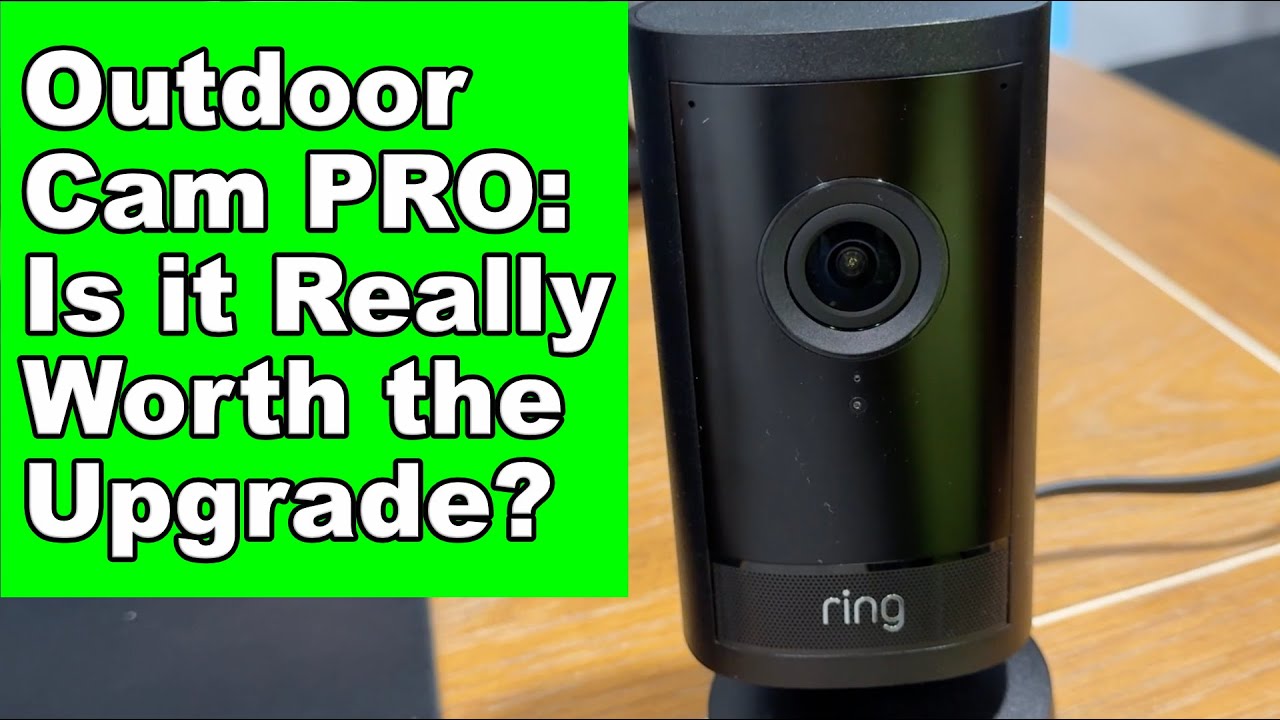
Video: Ring Outdoor Cam Pro Finally 4K! Test and (Honest) Review
Frequently Asked Questions
1. Should I update my CCTV camera firmware?
Answer: Update only when a known critical security vulnerability affects your specific camera model. For home users, updating for non-security reasons introduces unnecessary risk. For commercial users, follow a structured testing and rollout procedure. For more detail, see Does Home WiFi CCTV reduce insurance premiums in 2026? UK guide. Also read our related guide: Cleaning CCTV Camera Lenses: What Not to Use. Browse our security technology hub at Uni Blog Security Hub. Official UK guidance on this topic: BSI.
2. What are the risks of CCTV firmware updates?
Answer: ONVIF breakage (smart home integration stops working), configuration reset (loses all settings), new bugs, NVR incompatibility, temporary downtime, and camera bricking if the update is interrupted. For more detail, see Home WiFi CCTV - UK legal requirements and GDPR compliance 2026. Also read our related guide: Cable Testing After CCTV Installation: TDR and Continuity.
3. How do I safely update camera firmware?
Answer: Download from the manufacturer’s official site, verify the file checksum, backup camera configuration, update one camera as a test, wait 48 hours, check all functions, then update remaining cameras. For more detail, see Does Farms and Agricultural Property CCTV reduce insurance premiums in 2026? UK guide. Also read our related guide: Seasonal CCTV Maintenance Checklist for UK Properties.
4. How often should I check for CCTV firmware updates?
Answer: Every 6 months for security advisories. Subscribe to the manufacturer’s security mailing list for real-time notifications of critical vulnerabilities. For more detail, see Farms and Agricultural Property CCTV - UK legal requirements and GDPR compliance 2026. Also read our related guide: Battery Camera Replacement Schedule for UK Users.
5. What if a firmware update breaks my camera?
Answer: Most cameras support firmware downgrade to the previous version. Keep the previous firmware file in your records. If the camera is bricked (unresponsive after update), use the hardware reset button to factory reset and restore configuration from backup. Also read our related guide: Camera Sunsetting: When Support Ends for IP Cameras.
Conclusion
The difference between a security system that works and one that frustrates is understanding the real-world behaviour of cameras, cables, and the environment they operate in. Manufacturers sell specifications. Installers solve problems. The questions above represent the issues that UK homeowners and businesses actually face — the ones the spec sheets do not mention.
Article by Gary Pearce, qualified security systems engineer. For a free security assessment, visit gary-pearce-home-services.pages.dev. This guide was last updated June 2026. Verify current UK regulations with the ICO.