Last updated: June 2026
The PoE power budget printed on a switch’s specification sheet is often significantly higher than the actual power it can deliver to cameras under real-world conditions. The discrepancy arises from the difference between the power supply rating, the switch’s internal power distribution efficiency, and the cable losses that reduce power available at the camera end. UK installers who do not calculate the real power budget risk connecting cameras that work during testing but fail when all cameras demand full power simultaneously at night.
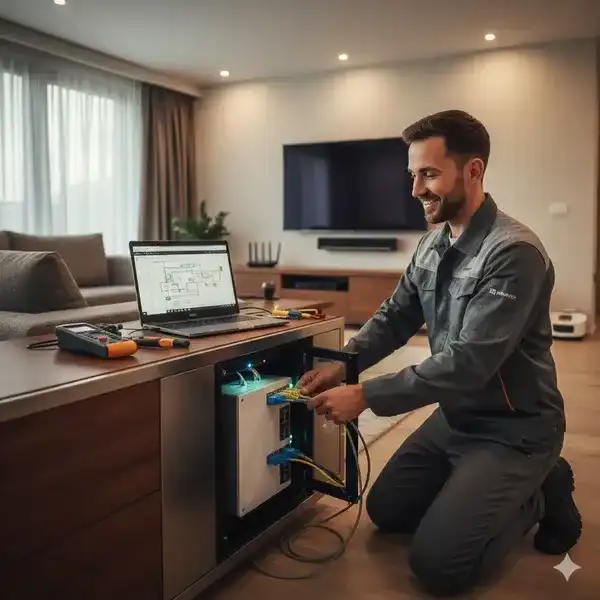
Understanding PoE Power Budget Specifications
A PoE switch’s power budget is specified as the total power available from the internal power supply for PoE ports. A typical 8-port PoE+ switch has a 120 W power supply and a stated PoE budget of 110 W (the remaining 10 W powers the switch electronics). This 110 W is the power at the switch ports, not at the cameras. Cable losses reduce power available at each camera by 5–15% depending on cable length and quality. Additionally, the switch’s PoE controller has a distribution efficiency of 90–95%, meaning 5–10% of the power drawn from the power supply is lost as heat in the switching regulator before it reaches the port. The real available power at the cameras is approximately 80–85% of the stated PoE budget.

Calculating the Real Power Per Camera
Start with each camera’s maximum power draw (not the average). A typical outdoor bullet camera with IR, heater, and audio draws 12–15 W when all features are active. Multiply by 1.15 for cable loss over a 50-metre Cat5e run = 13.8–17.25 W. Multiply by 1.1 for switch distribution loss = 15.2–19.0 W drawn from the switch power budget per camera. For 8 cameras: 8 x 17 W (midpoint) = 136 W + distribution losses = 149.6 W required from the switch power supply. An 8-port switch with a 120 W power supply and 110 W PoE budget is insufficient for 8 outdoor cameras at full load, even though the cameras’ individual specifications (12 W each x 8 = 96 W) suggest the switch is adequate.
Real-World Testing vs Specification Calculation
To verify the power budget, connect all cameras to the switch with their night vision and heater forced on. Measure the switch’s total power draw from the mains using a plug-in power meter. If the switch draws more than 90% of its power supply rating continuously, reduce the load or upgrade to a higher-power switch. The switch’s fans will run at maximum speed and the internal temperature will rise above 60 degrees Celsius when operating near the power supply limit, which accelerates switch failure rate by approximately 2x for every 10 degrees above 40 degrees C. A switch operating at 80% of power budget with adequate ventilation runs at 40–50 degrees C. A switch at 95% power budget in a confined space reaches 60–70 degrees C.
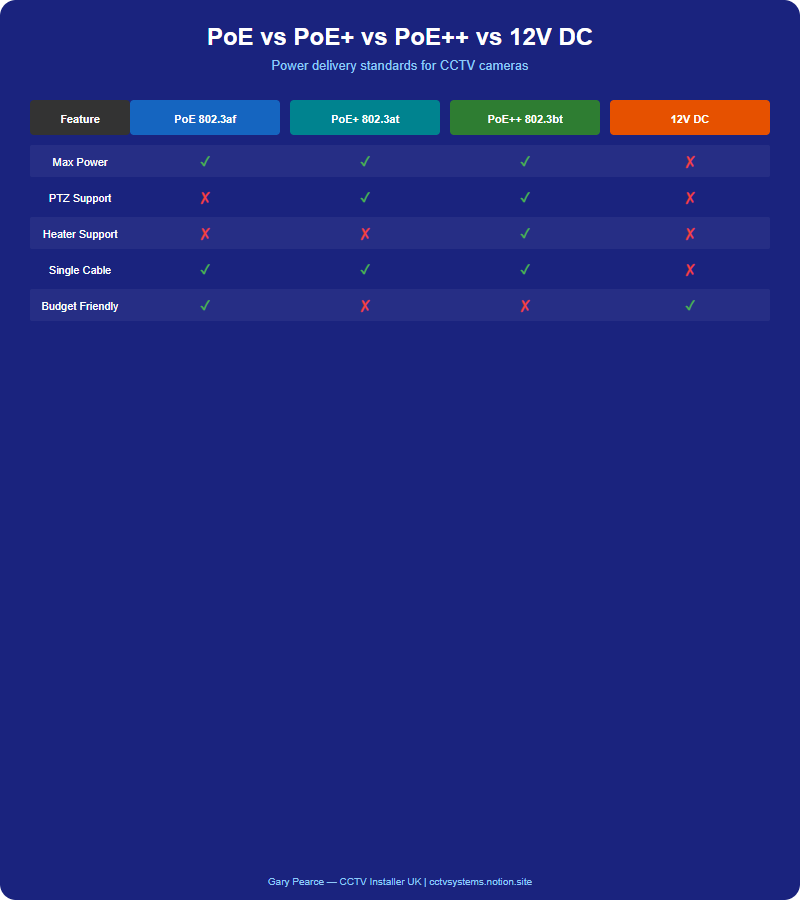
Recommendations for UK Installations
For outdoor cameras with IR and heaters, add 20% to the sum of camera maximum power draws to calculate required PoE budget. An 8-camera system with cameras drawing 12 W maximum each requires: 96 W (camera sum) + 20% overhead = 115 W PoE budget minimum. This requires an 8-port PoE+ switch with a 150 W power supply. For 4K cameras with IR and heaters, use 15 W per camera as the maximum draw. For PTZ cameras with wipers and heaters, use 25–30 W per camera. Budget for a switch model one size above the calculated requirement to provide headroom for future expansion (adding one more camera) and to keep switch temperature within the reliable operating range.
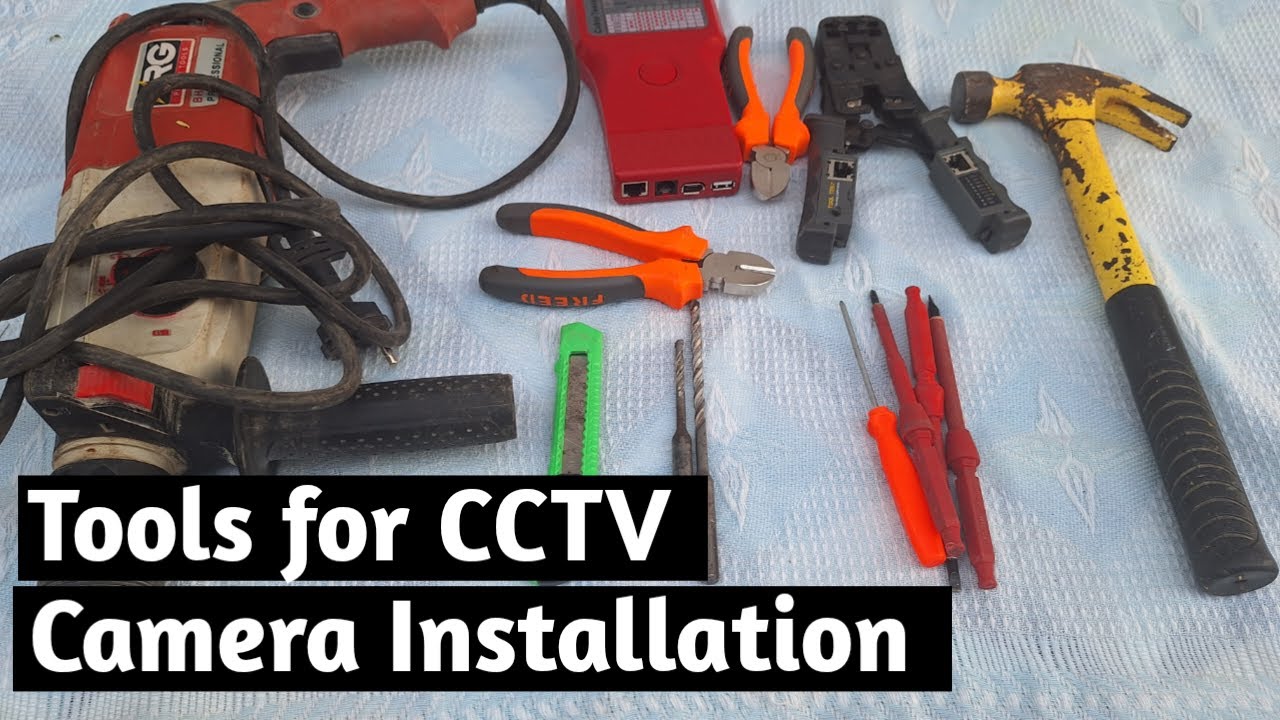
Video: Tools for CCTV Security camera installation
Frequently Asked Questions
1. How do I calculate the PoE budget for my cameras?
Answer: Sum the maximum power draw of each camera (not average), add 20% for cable and distribution losses, then add 15% headroom for reliability. An 8-camera system with 12 W cameras = 96 W + 20% + 15% = 130 W PoE budget minimum. For more detail, see Gyms and Fitness Centres CCTV - UK legal requirements and GDPR compliance 2026. Also read our related guide: UPS Sizing for CCTV: How Long Do You Need?. Browse our security technology hub at Uni Blog Security Hub. Official UK guidance on this topic: Surrey Security Centre.
2. Why does my switch get hot when all cameras are active?
Answer: The switch may be operating near its maximum power budget, causing the internal power supply and PoE controller to generate excess heat. Operating above 80% of the power budget significantly increases switch temperature. For more detail, see How to maintain Offices and Commercial Buildings CCTV systems - UK guide 2026. Also read our related guide: Long-Term Cold Storage for CCTV Evidence Footage.
3. Can I use a higher-power power supply with my PoE switch?
Answer: Only if the switch supports an external power supply upgrade. Most fixed-configuration switches have internal power supplies that cannot be upgraded. Stackable or modular switches may support higher-power PSUs. For more detail, see Car Parks. Also read our related guide: When to Update Camera Firmware: Risks vs Benefits.
4. Does cable length affect the PoE power budget?
Answer: Yes. Longer cables have higher resistance, causing voltage drop that reduces power delivered to the camera. For 50-metre runs, factor in 10–15% cable loss. For 100-metre runs, factor in 20% cable loss. For more detail, see Best CCTV cameras for Dental and Medical Practices in 2026 - UK buyer guide. Also read our related guide: Cleaning CCTV Camera Lenses: What Not to Use.
5. What happens if I exceed the PoE budget?
Answer: The switch will either: refuse to power additional cameras beyond the budget (ports remain inactive), or power all cameras but reduce power to each (some cameras may not receive enough power for full IR/heater operation). Neither outcome is acceptable for a working system. Also read our related guide: Cable Testing After CCTV Installation: TDR and Continuity.
Conclusion
The difference between a security system that works and one that frustrates is understanding the real-world behaviour of cameras, cables, and the environment they operate in. Manufacturers sell specifications. Installers solve problems. The questions above represent the issues that UK homeowners and businesses actually face — the ones the spec sheets do not mention.
Article by Gary Pearce, qualified security systems engineer. For a free security assessment, visit gary-pearce-home-services.pages.dev. This guide was last updated June 2026. Verify current UK regulations with the ICO.