Last updated: June 2026
Integrating ONVIF cameras with smart home hubs such as Samsung SmartThings, Hubitat, or Universal Devices ISY produces the highest rate of compatibility failures in the CCTV integration landscape. The smart hub expects a specific ONVIF profile implementation that the camera may not provide, and the camera manufacturer may have implemented ONVIF as an afterthought rather than as a primary protocol. The result is cameras that appear in the hub’s device list but never show video, never trigger events, or disconnect within hours.
The ONVIF Implementation Gap
ONVIF is a standard of optional features, not a single guaranteed set of capabilities. A camera can claim ONVIF Profile S compliance with no motion event support, no PTZ control, and no audio streaming. The smart hub discovers the camera as ONVIF-compatible, attempts to subscribe to motion events, and receives no response from the camera because the camera’s ONVIF implementation does not include the event service. The hub cannot determine which ONVIF features the camera supports because the ONVIF device discovery service does not report available profiles in a standardised way that all hubs can parse. The user sees a camera that is “connected” but never triggers any automation.
Firmware Version Dependency
The same camera model with different firmware versions behaves differently with smart hubs. A camera running firmware V5.5.0 may support ONVIF event subscriptions correctly, while V5.5.1 breaks event support or changes the event namespace that the hub uses to filter events. The camera manufacturer may not document these changes in firmware release notes. The smart hub developer cannot test every firmware version of every ONVIF camera. The solution is to find a specific firmware version reported by other users as working with your hub and avoid updating firmware until the update’s effect on ONVIF compatibility has been confirmed by the community.
Authentication and Digest Challenges
ONVIF authentication uses HTTP Digest, which requires the camera and hub to exchange and validate nonces (random numbers used once). Some cameras implement Digest authentication incorrectly, failing when the hub sends a stale nonce. Others require ONVIF user credentials that are separate from the camera’s web interface credentials — the camera may have an “onvif” user account that needs to be enabled explicitly. Smart hubs typically enter the camera’s admin username and password for ONVIF connection, but if the camera requires a separate ONVIF user, the authentication fails and the hub reports “connection refused.”
The Most Reliable Smart Hub Camera Combinations
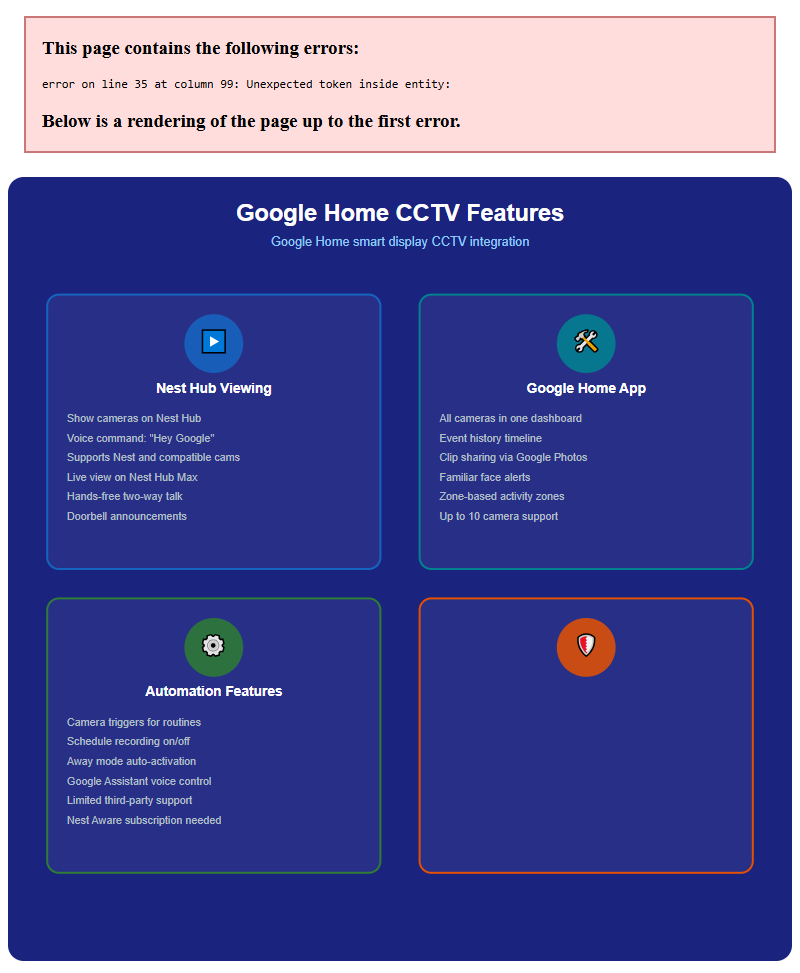
Based on community reports, the most reliable combinations for UK users are: SmartThings with Hikvision cameras (requires the SmartThings ONVIF SmartApp and a specific Hikvision firmware version), Hubitat with Dahua cameras (Dahua’s ONVIF implementation is more complete than most), and Universal Devices ISY with Axis cameras (Axis has the most rigorous ONVIF compliance testing). The least reliable combinations involve any smart hub with budget cameras that claim ONVIF compatibility but implement only the minimum required for certification. For reliable integration, choose camera and hub from a list of confirmed working combinations on the hub’s community forum.
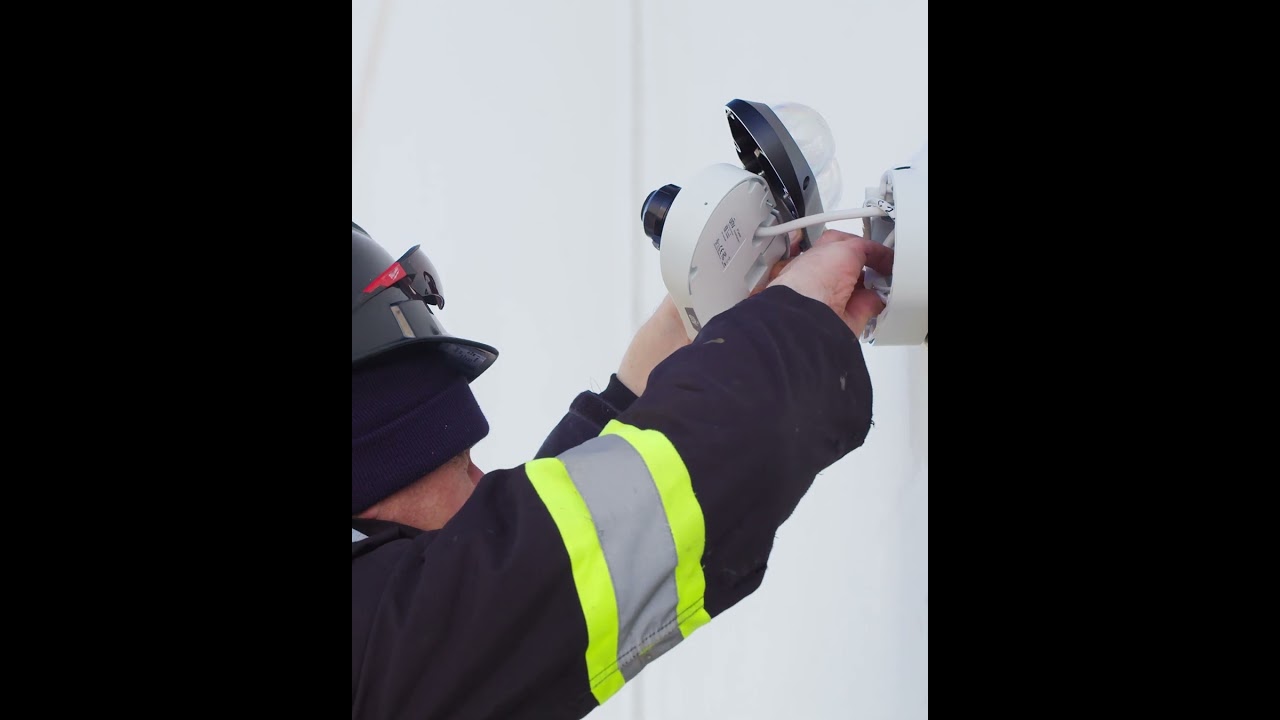
Video: How to install Uniview 4MP Dual Dome Camera (IPC3224SS-ADF28K-I1)
Frequently Asked Questions
1. Why won’t my ONVIF camera connect to my smart hub?
Answer: Common causes: the camera’s ONVIF implementation lacks event services, the firmware version breaks ONVIF support, authentication requires a separate ONVIF user account, or the camera and hub ONVIF profiles are mismatched. For more detail, see Future of Home WiFi CCTV in 2026 - UK trends and technology. Also read our related guide: Apple HomeKit Secure Video Limitations. Browse our in-depth home security resource at Home Security Guide. Official UK guidance on this topic: ICO.
2. Which ONVIF cameras work best with SmartThings?
Answer: Hikvision cameras with specific firmware versions (check the SmartThings community forum for current recommended versions). Dahua cameras with RTSP stream configuration. Avoid budget cameras with minimal ONVIF implementation. For more detail, see Does Farms and Agricultural Property CCTV reduce insurance premiums in 2026? UK guide. Also read our related guide: Shop Floor Legal Requirements for Retail CCTV.
3. Does firmware update break ONVIF compatibility?
Answer: Yes, frequently. Camera manufacturers may change ONVIF event namespaces or authentication methods in firmware updates. Check the hub community forum before updating camera firmware to confirm compatibility is maintained. For more detail, see Future of False Alarm Reduction CCTV in 2026 - UK trends and technology. Also read our related guide: Pub Garden Rules: CCTV and Alcohol Licensing Areas.
4. What is an ONVIF user account and why do I need one?
Answer: Some cameras require a separate ONVIF user account (often with ‘onvif’ username) that is distinct from the admin account. Check the camera’s user management settings to enable and configure the ONVIF user. For more detail, see How to install CCTV for Warehouses and Logistics - UK step by step guide 2026. Also read our related guide: School Safeguarding and CCTV: DPA Compliance.
5. Can I use RTSP instead of ONVIF for smart hub camera integration?
Answer: Some hubs support RTSP-only integration that provides video display without event triggers. For motion detection and automation, ONVIF or the hub’s specific camera integration is required. RTSP-only mode provides live view only. Also read our related guide: Gym Privacy: CCTV Rules for Changing Rooms and Exercise Areas.
Conclusion
The difference between a security system that works and one that frustrates is understanding the real-world behaviour of cameras, cables, and the environment they operate in. Manufacturers sell specifications. Installers solve problems. The questions above represent the issues that UK homeowners and businesses actually face — the ones the spec sheets do not mention.
Article by Gary Pearce, qualified security systems engineer. For a free security assessment, visit gary-pearce-home-services.pages.dev. This guide was last updated June 2026. Verify current UK regulations with the ICO.