Last updated: June 2026
The idea of replacing a dedicated NVR with a general-purpose NAS (Network Attached Storage) seems logical and cost-effective. A NAS can store files, run applications, and manage drives centrally. Why not use it for CCTV recording too? The answer lies in how NVRs handle the continuous write workload, video indexing, and drive management differently from file storage devices. UK homeowners who attempt this often find their NAS becomes unresponsive or their cameras drop recordings.
Fundamental Architectural Differences
An NVR is purpose-built for sequential video writing. It writes video streams in large contiguous blocks, maintaining a constant data rate that may exceed 100 MB/s for multi-camera systems. The NVR’s file system is optimised for video: it minimises fragmentation, pre-allocates space, and uses a circular buffer that overwrites the oldest footage. A NAS, by contrast, uses a general-purpose file system such as Btrfs or EXT4 that handles random read/write patterns typical of file storage. When video streams write continuously to a NAS, the file system fragments the data across multiple drives, causing write latency that accumulates across cameras and eventually causes buffer overruns.

The Write Hole Problem on RAID NAS
Many NAS devices use RAID 5 or RAID 6 for data protection. RAID 5 has a well-documented write hole problem during continuous high-throughput writing: when the system loses power or a drive fails during a write operation, the parity data becomes inconsistent. For file storage, this affects only the file being written. For CCTV, hundreds of video segments are being created and overwritten simultaneously. A power interruption during a write storm can corrupt the parity for terabytes of stored footage, potentially losing the entire recording database.
Network Overhead and Bottlenecks
A NAS handles CCTV writing as network file system operations (SMB/CIFS or NFS). Each video segment involves file creation, metadata writing, directory updates, and file close operations. A single camera writing 5-minute segments generates 288 file transactions per day. Eight cameras generate 2,304 transactions. Each transaction incurs network and file system overhead that an NVR’s direct stream writing avoids. The accumulated overhead adds milliseconds of latency per write, which causes camera-side buffer overflows when the combined write demand exceeds the NAS’s transaction processing capacity.
When a NAS Can Work for CCTV
A NAS can work as CCTV storage under three conditions: it runs dedicated surveillance software such as Synology Surveillance Station or QVR Pro that handles the video stream independently of the file system; the number of cameras is limited to 4–6 with motion-only recording; and the NAS is connected via a dedicated 2.5 GbE or 10 GbE network link that prevents the CCTV traffic from competing with other NAS services. Even then, a dedicated NVR outperforms a NAS in recording reliability at the same price point.
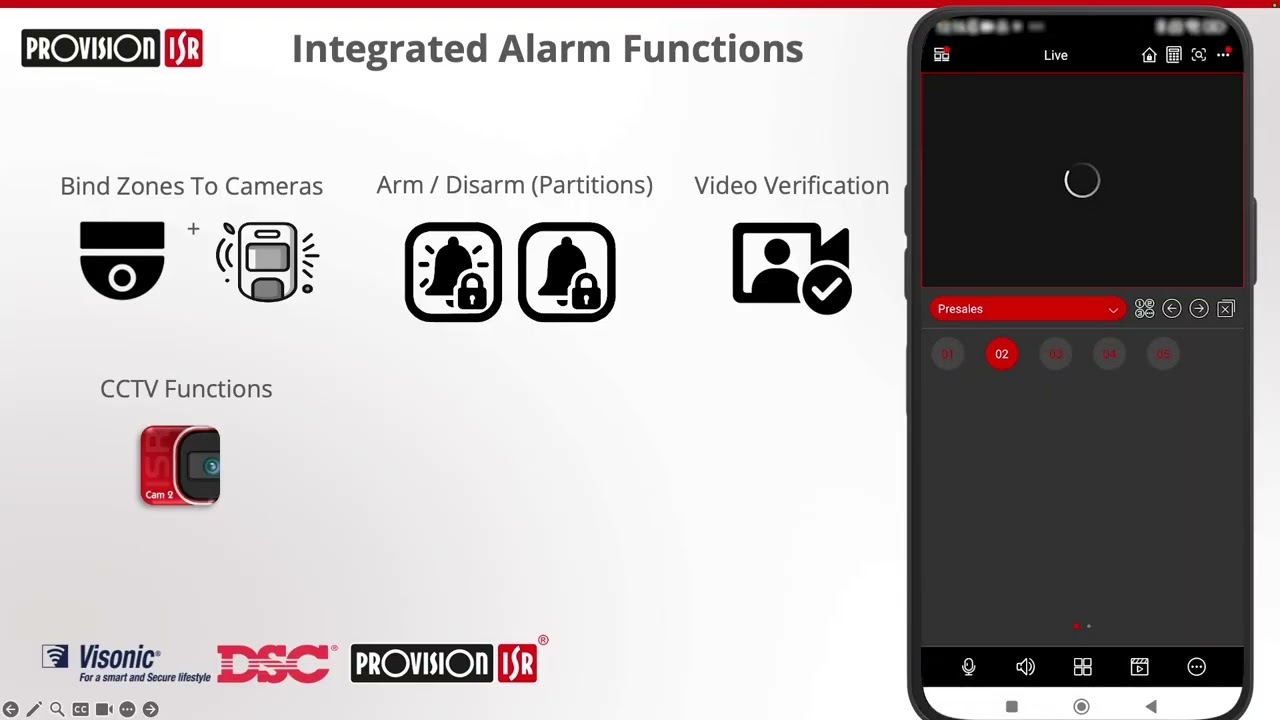
Video: DSC & Visonic Alarm Integration with Provision-ISR Cam 2 - Full Walkthrough 2026

Frequently Asked Questions
1. Can I use my home NAS for CCTV recording?
Answer: Technically yes, but reliability is significantly lower than a dedicated NVR. The NAS file system fragments video data, causing write latency. A dedicated NVR is strongly recommended for 4+ cameras. For more detail, see How to maintain Offices and Commercial Buildings CCTV systems - UK guide 2026. Also read our related guide: Pub CCTV 31-Day Retention Rule Under the Licensing Act. Browse our comprehensive CCTV knowledge base at CCTV Systems Guide. Official UK guidance on this topic: SSAIB.
2. Which NAS brands work best for CCTV?
Answer: Synology with Surveillance Station and QNAP with QVR Pro are the most reliable NAS platforms for CCTV. Both require a per-camera license fee for more than 2 cameras. For more detail, see Can we film employees in the back office area with CCTV? UK Retail Shops and Stores CCTV rules explained 2026. Also read our related guide: IK Rating Explained: The Vandal-Proof Myth.
3. Why does my NAS freeze when cameras are recording?
Answer: The NAS is overwhelmed by continuous video writing that conflicts with its file system’s other operations. The write load from 4+ cameras can saturate the NAS’s CPU and disk I/O simultaneously. For more detail, see How to Monitor Overflowing Self Storage Units for Theft and Vandalism in the UK in 2026?:. Also read our related guide: CCA Cable Destroys PoE Performance for CCTV.
4. Is RAID protection useful for CCTV footage?
Answer: RAID 5 or 6 protects against single drive failure, but the write hole problem during continuous recording can corrupt parity data. RAID 1 or RAID 10 is safer for CCTV because it does not use parity. For more detail, see Does Farms and Agricultural Property CCTV reduce insurance premiums in 2026? UK guide. Also read our related guide: IR Distance Spec Inflation: Manufacturer Lies.
5. Can I mix file storage and CCTV on the same NAS?
Answer: Mixing workloads significantly reduces reliability for both. The CCTV write load interferes with file access latency. Dedicate a separate volume or, better, a separate device to CCTV. Also read our related guide: IP Rating Deception: IP67 Is Not Enough for UK Weather.
Conclusion
The difference between a security system that works and one that frustrates is understanding the real-world behaviour of cameras, cables, and the environment they operate in. Manufacturers sell specifications. Installers solve problems. The questions above represent the issues that UK homeowners and businesses actually face — the ones the spec sheets do not mention.
Article by Gary Pearce, qualified security systems engineer. For a free security assessment, visit gary-pearce-home-services.pages.dev. This guide was last updated June 2026. Verify current UK regulations with the ICO.