Last updated: June 2026
When multiple viewers (NVR, mobile app, PC client, smart home hub) access the same camera stream simultaneously, the camera must transmit the video multiple times (unicast) or once using multicast distribution. The choice between multicast and unicast determines network bandwidth consumption, switch processing load, and NVR compatibility. In UK installations with 3+ simultaneous viewers per camera, the wrong choice causes network congestion that degrades all video streams.
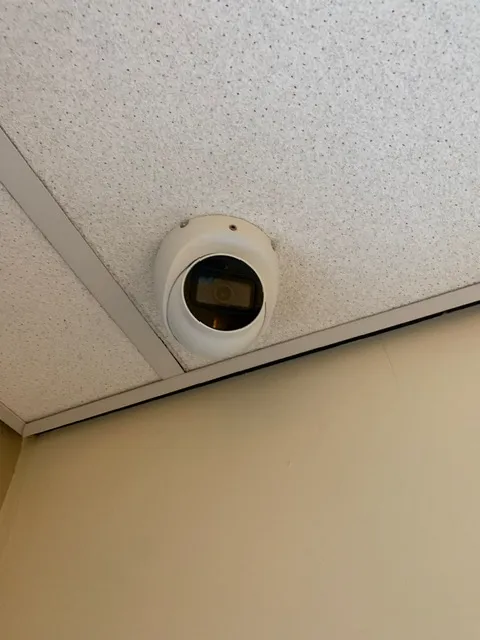
Unicast: Multiple Copies of the Same Stream
Unicast is the default streaming method for all IP cameras. When the NVR requests the stream and a mobile app requests the same stream simultaneously, the camera creates two separate data streams, each consuming the full bandwidth. Each additional viewer adds another copy of the stream. For a 4K camera streaming at 10 Mbps, four simultaneous viewers consume 40 Mbps of network bandwidth from the camera port. The switch must forward four copies of the same data. The camera’s CPU must encode and transmit four independent streams. Most cameras have a limit of 3–5 simultaneous unicast connections before the CPU becomes overloaded and frame rates drop.
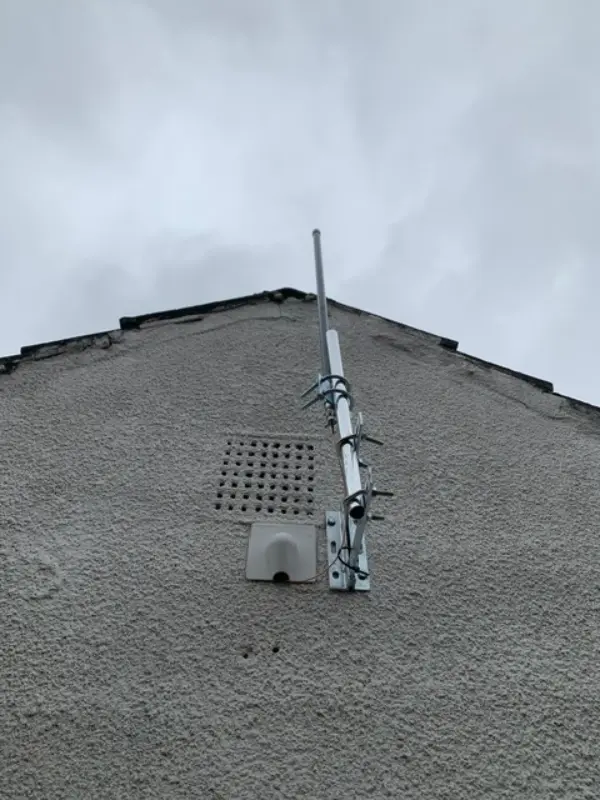
Multicast: One Stream, Many Receivers
Multicast delivers the camera stream once to the network, and the switch copies the data only to switch ports that have requested the stream. The camera transmits one stream at 10 Mbps regardless of the number of viewers. The switch handles the replication, offloading processing from the camera. Network bandwidth is conserved because only one copy of each packet traverses the network backbone. For a system with 8 cameras and 4 simultaneous viewers each, unicast requires 32 streams, while multicast requires only 8. The bandwidth saving on the uplink from the camera switch to the core network is 4x.
When Multicast Fails: Compatibility and Configuration
Multicast requires IGMP (Internet Group Management Protocol) snooping enabled on all managed switches in the path. Unmanaged switches flood multicast traffic to all ports, which is inefficient but functional. The NVR must support multicast stream reception, which many do not by default. Mobile apps cannot receive multicast streams over cellular connections because multicast does not traverse WAN links. The typical solution is to use multicast within the local network (NVR recording and local viewing) and unicast for remote access. To enable multicast on a camera: enable RTSP multicast in the camera’s streaming settings, configure the multicast IP address (in the 239.0.0.0/8 range) and port, enable IGMP snooping on all managed switches in the path, and configure the NVR to receive the multicast stream URL.
Practical Recommendations for UK Installations
For 1–2 cameras with 1–2 viewers (NVR only, no simultaneous mobile access), unicast is simpler and requires no special configuration. For 4+ cameras with multiple viewers (NVR + several mobile devices + PC client), enable multicast on the camera’s secondary stream (the lower-resolution sub-stream) for the NVR recording and use unicast for the primary stream for forensic review. Configure the NVR to receive the multicast stream for live viewing and the unicast stream for recording. This balances network efficiency with recording reliability. For installations with unmanaged switches where IGMP snooping is not available, stick with unicast and ensure the switch has sufficient backplane capacity for the total unicast bandwidth.
Video: Google Nest Home and Reolink Integration Tutorial (2023)
Frequently Asked Questions
1. What is the difference between multicast and unicast for CCTV?
Answer: Unicast sends a separate video stream copy to each viewer. Multicast sends one copy to the network and the switch replicates it only to requesting ports. Multicast uses less bandwidth for multi-viewer setups. For more detail, see How to install CCTV for Churches and Places of Worship - UK step by step guide 2026. Also read our related guide: PoE Power Budget Calculation: Real vs Rated. Browse our in-depth home security resource at Home Security Guide. Official UK guidance on this topic: NSI.
2. Is multicast better than unicast for CCTV?
Answer: Multicast is better for local multi-viewer setups (3+ viewers per camera) because it reduces camera CPU load and network bandwidth. Unicast is simpler and works everywhere without switch configuration. For more detail, see Best CCTV cameras for Pubs, Bars and Restaurants in 2026 - UK buyer guide. Also read our related guide: UPS Sizing for CCTV: How Long Do You Need?.
3. Does my NVR support multicast streaming?
Answer: Most professional NVRs support multicast, but it may be disabled by default. Check the NVR’s streaming configuration for ‘multicast’ or ‘IGMP’ settings. Many consumer NVRs do not support multicast. For more detail, see How to maintain Car Parks CCTV systems - UK guide 2026. Also read our related guide: Long-Term Cold Storage for CCTV Evidence Footage.
4. Can I view multicast streams on my phone?
Answer: No. Multicast does not traverse WAN links. Remote mobile viewing uses unicast to the NVR or cloud relay. Multicast is used only for local network streaming. For more detail, see Future of Pubs, Bars and Restaurants CCTV in 2026 - UK trends and technology. Also read our related guide: When to Update Camera Firmware: Risks vs Benefits.
5. Do I need managed switches for multicast CCTV?
Answer: Yes, for efficient multicast operation. Unmanaged switches flood multicast traffic to all ports, which works but wastes bandwidth. Managed switches with IGMP snooping send multicast only to ports that have requested the stream. Also read our related guide: Cleaning CCTV Camera Lenses: What Not to Use.
Conclusion
The difference between a security system that works and one that frustrates is understanding the real-world behaviour of cameras, cables, and the environment they operate in. Manufacturers sell specifications. Installers solve problems. The questions above represent the issues that UK homeowners and businesses actually face — the ones the spec sheets do not mention.
Article by Gary Pearce, qualified security systems engineer. For a free security assessment, visit gary-pearce-home-services.pages.dev. This guide was last updated June 2026. Verify current UK regulations with the ICO.