Last updated: June 2026
Home Assistant offers the most powerful local automation platform for CCTV cameras, but the setup process reveals significant challenges that deter all but the most determined DIY enthusiasts. The open-source flexibility comes at the cost of requiring multiple protocols, custom configurations, and ongoing maintenance that commercial systems handle automatically. UK users who succeed with Home Assistant CCTV integration achieve greater capability than any commercial NVR, but the path to that result is far from straightforward.
The ONVIF Integration Trap
Home Assistant’s ONVIF integration appears straightforward: add camera IP and credentials, and the camera appears in Home Assistant. In practice, many cameras advertise ONVIF capabilities that do not fully work with the integration. Common failures include: the camera’s ONVIF event service not sending motion events to Home Assistant (despite the camera detecting motion internally), the camera’s ONVIF profile stream requiring authentication parameters that Home Assistant does not support, and the camera’s PTZ service being ONVIF-compatible but the continuous move command not working through Home Assistant’s PTZ interface. Each failure requires troubleshooting ONVIF compliance tables that most camera manufacturers do not publish.
RTSP Stream Reliability Issues
Home Assistant displays camera feeds by connecting to the camera’s RTSP stream. The stream URL must be manually constructed from the camera’s manufacturer-specific path (e.g., /Streaming/Channels/101 for Hikvision, /cam/realmonitor for Dahua). The stream must use a codec that Home Assistant’s streaming proxy (Stream component) can transcode. H.265 streams may not display in the Home Assistant frontend without additional configuration. The stream connection drops after a few hours on many cameras because the RTSP session times out, and Home Assistant does not automatically reconnect. Automation scripts must monitor and restart dropped streams, adding configuration complexity.
Event Processing and Automation Complexity
While commercial NVRs provide push notifications with snapshots automatically, Home Assistant requires manual configuration of automation chains: camera motion detected (ONVIF event) triggers an automation (Home Assistant) that captures a snapshot (camera service) and sends a notification with the image (mobile app integration). Each step requires testing and debugging. The snapshot may fail if the camera is already streaming at maximum capacity. The notification may arrive 30–60 seconds after the event because Home Assistant processes automations sequentially when multiple cameras trigger simultaneously. For a system with 8 cameras, event processing delays can reach several minutes during high-activity periods.
The Advantages That Justify the Effort
Home Assistant integration provides capabilities that commercial NVRs cannot match: cross-camera automations (when camera A detects a person, move PTZ camera B to a preset position covering the area), integration with non-CCTV sensors (PIR sensors trigger camera recording, light sensors switch camera to night mode), and local-only processing (all video stays on your network, no cloud subscription). For users willing to invest the setup time and ongoing maintenance, Home Assistant provides the most capable CCTV automation platform available. For users who want plug-and-play operation, a commercial NVR or cloud camera remains the better choice.
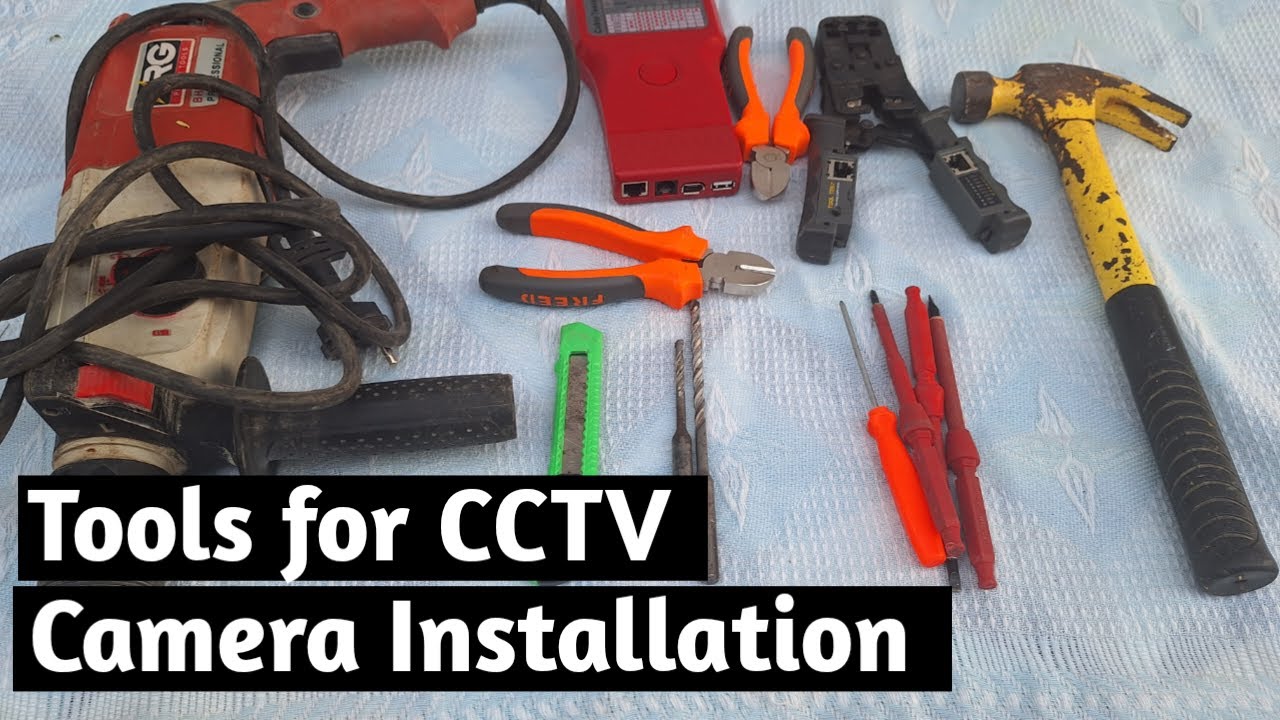
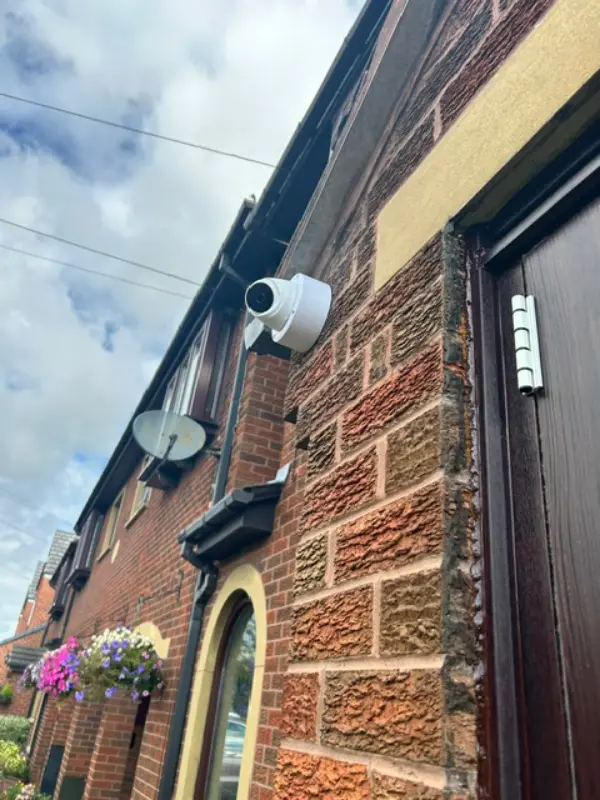
Video: Tools for CCTV Security camera installation
Frequently Asked Questions
1. Can Home Assistant replace my NVR?
Answer: Home Assistant can supplement an NVR by providing automations and notifications, but it is not a replacement NVR. It does not manage recording schedules, storage retention, or video playback. Use a dedicated NVR for recording and Home Assistant for automation. For more detail, see Best CCTV cameras for Home WiFi in 2026 - UK buyer guide. Also read our related guide: IFTTT Reliability for Camera Triggers. Browse our security technology hub at Uni Blog Security Hub. Official UK guidance on this topic: Surrey Security Centre.
2. Why won’t my ONVIF camera work with Home Assistant?
Answer: Common causes: the camera’s ONVIF implementation is incomplete, motion events are not sent via ONVIF event service, RTSP stream URL is incorrect for your camera model, or H.265 codec is not supported by Home Assistant’s stream component. For more detail, see Does Care Homes and Assisted Living CCTV reduce insurance premiums in 2026? UK guide. Also read our related guide: ONVIF with Smart Hubs: Compatibility Hell.
3. Does Home Assistant CCTV work without internet?
Answer: Yes. Home Assistant CCTV integration is fully local. Video streams, motion detection, and automations all work without internet access. Remote access requires additional configuration (Nabu Casa subscription or VPN). For more detail, see Optimising Car Park Security: A Modern CCTV Approach for UK Premises. Also read our related guide: Apple HomeKit Secure Video Limitations.
4. How do I fix RTSP stream drops in Home Assistant?
Answer: Create an automation that restarts the camera stream entity if it becomes unavailable. Configure the camera’s RTSP session timeout to the maximum value. Consider using the Home Assistant RTSPtoWebRPC addon for more stable streaming. For more detail, see How to maintain Offices and Commercial Buildings CCTV systems - UK guide 2026. Also read our related guide: Shop Floor Legal Requirements for Retail CCTV.
5. Is Home Assistant CCTV cheaper than a commercial NVR?
Answer: Home Assistant itself is free, but you need hardware (Raspberry Pi or NUC) and a Zigbee/Z-Wave controller for sensors. Total cost is £100–£300 plus cameras. A commercial NVR costs £300–£600. The cost is similar, but Home Assistant offers greater flexibility at the cost of setup time. Also read our related guide: Pub Garden Rules: CCTV and Alcohol Licensing Areas.
Conclusion
The difference between a security system that works and one that frustrates is understanding the real-world behaviour of cameras, cables, and the environment they operate in. Manufacturers sell specifications. Installers solve problems. The questions above represent the issues that UK homeowners and businesses actually face — the ones the spec sheets do not mention.
Article by Gary Pearce, qualified security systems engineer. For a free security assessment, visit gary-pearce-home-services.pages.dev. This guide was last updated June 2026. Verify current UK regulations with the ICO.