Last updated: June 2026
The relationship between camera frame rate and AI detection reliability is not linear. Increasing frame rate beyond a certain point does not improve detection and can actually harm AI performance by overwhelming the processor with redundant frames. Understanding the optimal frame rate for AI analytics saves processing power, storage, and improves detection accuracy for UK CCTV installations.
How Frame Rate Affects AI Processing
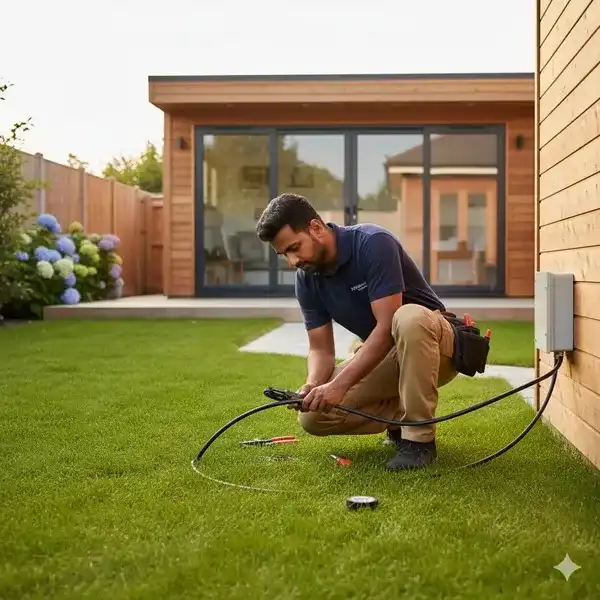
AI detection models analyse individual frames independently. A person walking through a scene at a normal pace remains in the frame for 2–5 seconds. At 25 fps, the AI analyses 50–125 frames of the same person. Most AI models achieve their best detection accuracy after analysing 5–10 frames of a subject. The remaining 40–115 frames provide no additional detection value because the AI has already classified the subject. The extra frames consume processing power without improving accuracy. For a typical outdoor scene, 10–12 fps provides all the frames the AI needs for reliable detection while consuming 50–60% less processing power than 25 fps.
The Processing Power Trade-Off
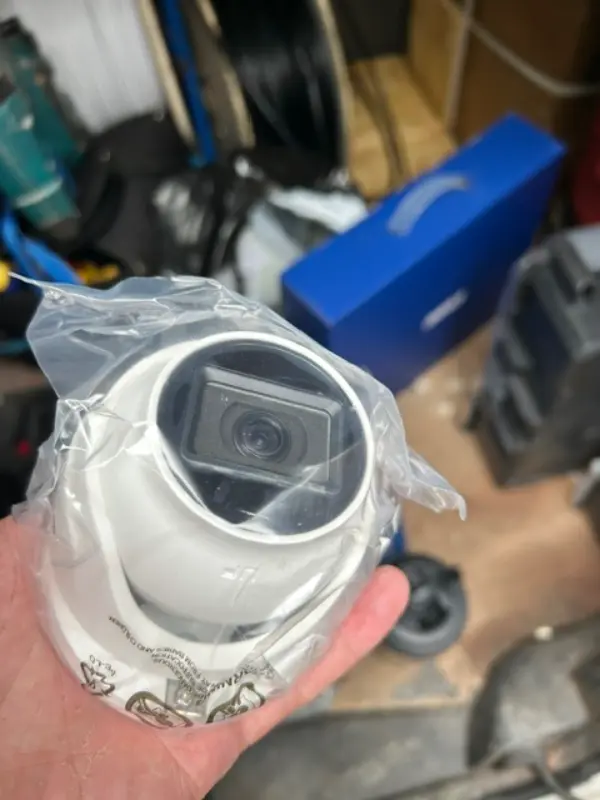
An edge AI camera’s NPU (neural processing unit) analyses every frame the sensor captures. Reducing the frame rate from 25 fps to 12 fps halves the number of frames the NPU must process per second. This frees NPU capacity for more complex AI models, additional object classes, or higher-resolution analysis of each frame. For a camera that struggles to maintain stable AI detection due to processor overload, reducing the frame rate is the single most effective fix. The NPU can often run a more detailed AI model at 12 fps than it can run at 25 fps with the same processing budget.
Optimal Frame Rates for Different Scenarios
For general outdoor surveillance with AI person and vehicle detection, 12–15 fps is optimal. This provides enough frames for reliable AI detection while minimising processing load and storage requirements. For entrance and exit points where fast-moving subjects need to be captured, 15–20 fps is appropriate. For number plate recognition, 20–25 fps is recommended to ensure at least one clear frame of the plate is captured as the vehicle passes. For indoor scenes with controlled lighting and predictable motion, 8–10 fps is sufficient for AI detection and dramatically reduces storage. Reduce the frame rate for less critical cameras and allocate higher rates to cameras covering high-risk areas.
Configuring Frame Rates in Mixed Systems
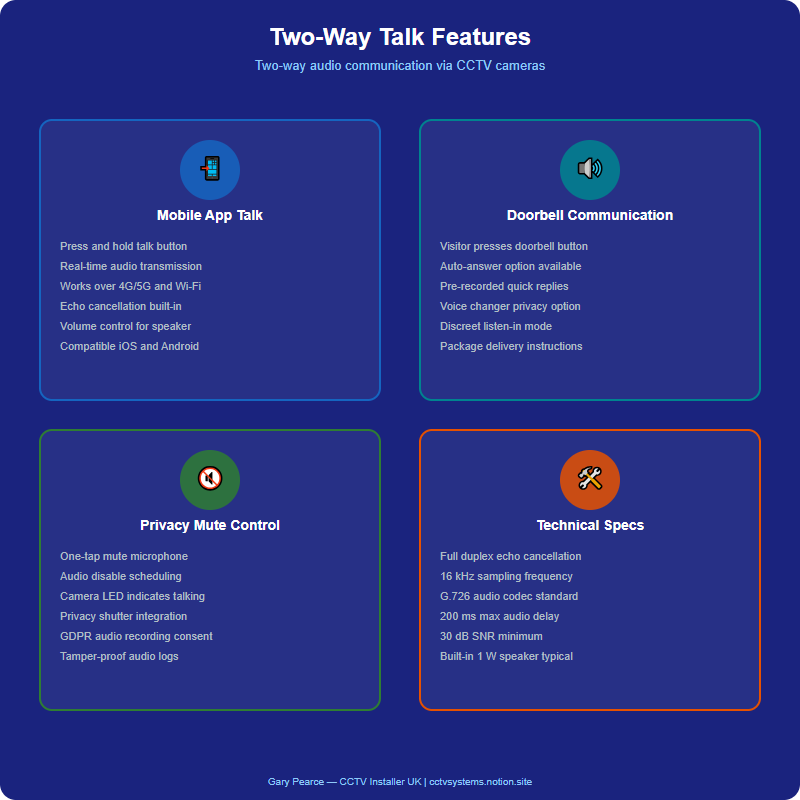
In a mixed camera system, configure each camera’s frame rate based on its scene priority rather than using a uniform rate across all cameras. Set the NVR to record at the camera’s native frame rate, but configure the AI analysis to sample every second frame (reducing the effective AI frame rate to half). Many NVRs support AI sampling intervals that decouple the recording frame rate from the analysis frame rate. This allows recording at 25 fps for smooth playback while analysing only 8–12 fps for AI detection. The combination provides both smooth video and efficient AI processing.
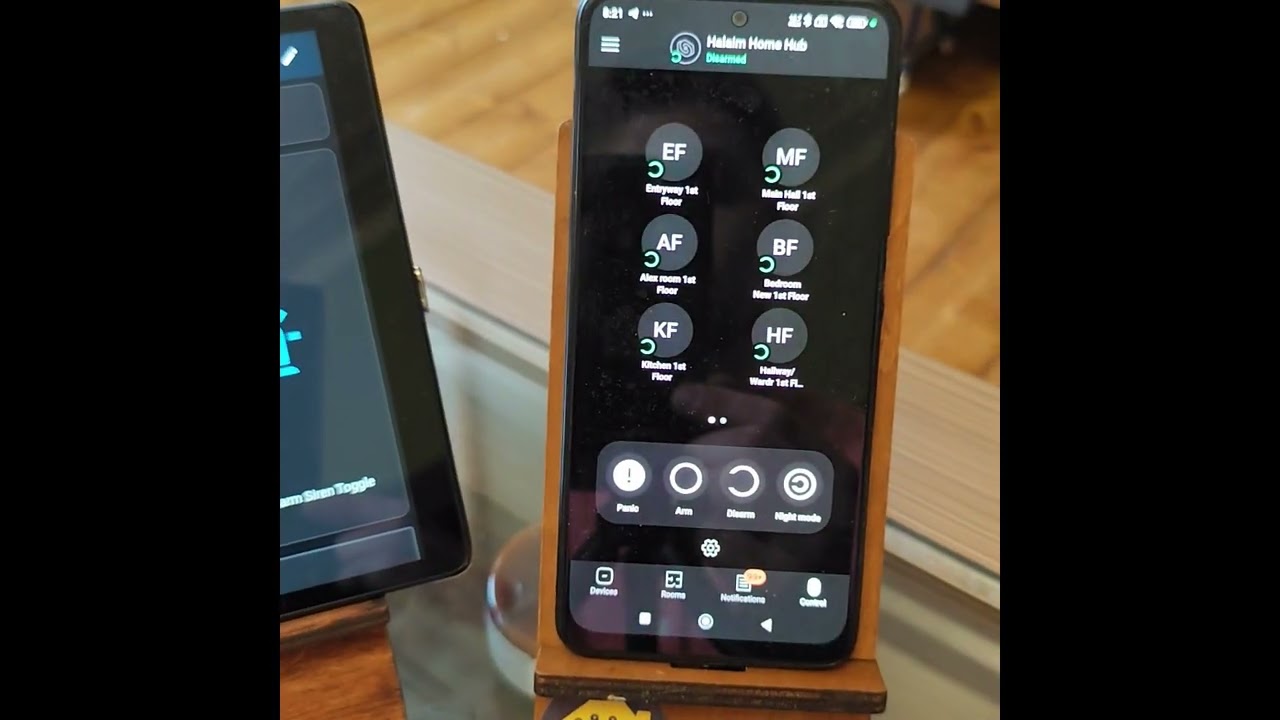
Video: AJAX Security - Home Assistant Integration Demonstration - Smart Homes / Alexei H.
Frequently Asked Questions
1. What frame rate is best for AI CCTV detection?
Answer: 12–15 fps is optimal for most AI detection scenarios. Higher rates consume more processing power without improving accuracy because the AI achieves reliable classification within 5–10 frames. For more detail, see Does False Alarm Reduction CCTV reduce insurance premiums in 2026? UK guide. Also read our related guide: Dual-Lens Cameras: Wide + Telephoto Benefits. Browse our comprehensive CCTV knowledge base at CCTV Systems Guide. Official UK guidance on this topic: GOV.UK.
2. Does higher frame rate improve AI accuracy?
Answer: Diminishing returns apply beyond 10–15 fps. The AI achieves reliable classification within 5–10 frames. Additional frames do not improve accuracy and waste processing capacity. For more detail, see Can I film staff using body-worn cameras in a warehouse without explicit consent? UK Warehouses and Logistics CCTV rules explained 2026. Also read our related guide: ePoE vs Standard PoE: Extended Reach for CCTV.
3. Can I record at high frame rate but analyse at low frame rate?
Answer: Yes. Many NVRs support AI sampling intervals that decouple recording frame rate from analysis frame rate. Record at 25 fps for playback, analyse at 12 fps for detection. For more detail, see Test Post - CCTV UK Guide. Also read our related guide: Audio Analytics Limits: Glass Break and Gunshot Detection.
4. What frame rate is needed for number plate recognition?
Answer: 20–25 fps is recommended for LPR/ANPR to capture at least one clear frame of the plate as a vehicle passes. Lower rates risk missing the plate entirely on fast-moving vehicles. For more detail, see How much does Pubs, Bars and Restaurants CCTV cost in 2026? UK prices explained. Also read our related guide: Alexa and Google Home CCTV Integration Quirks.
5. Does reducing frame rate save storage?
Answer: Yes significantly. Reducing frame rate from 25 fps to 12 fps halves the number of frames stored per second, reducing storage requirements by approximately 50% for the same resolution and compression. Also read our related guide: Home Assistant CCTV Setup Challenges.
Conclusion
The difference between a security system that works and one that frustrates is understanding the real-world behaviour of cameras, cables, and the environment they operate in. Manufacturers sell specifications. Installers solve problems. The questions above represent the issues that UK homeowners and businesses actually face — the ones the spec sheets do not mention.
Article by Gary Pearce, qualified security systems engineer. For a free security assessment, visit gary-pearce-home-services.pages.dev. This guide was last updated June 2026. Verify current UK regulations with the ICO.