Last updated: June 2026
The choice between 2.4 GHz and 5 GHz WiFi for security cameras involves trade-offs that many UK buyers do not consider until after installation. 2.4 GHz offers longer range and better wall penetration, which seems ideal for cameras mounted outdoors. But the 2.4 GHz band is so congested in UK residential areas that the effective throughput is often lower than a 5 GHz connection with half the nominal signal strength. Understanding which band actually performs better at your specific installation location prevents poor video quality and connection drops.
The Range and Penetration Difference
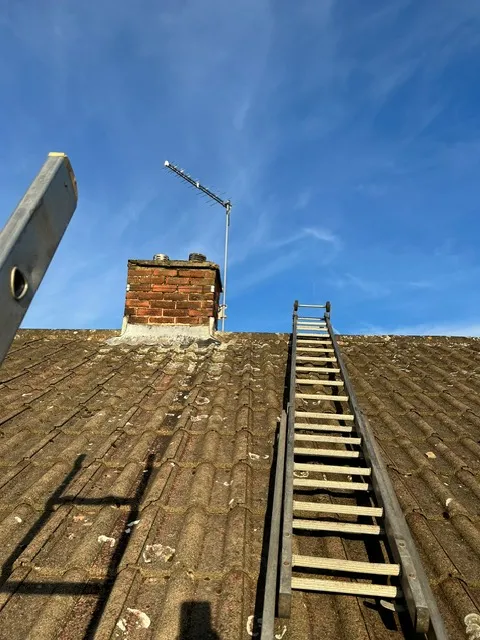
2.4 GHz signals have longer wavelengths (12.5 cm) that diffract around obstacles and penetrate walls better than 5 GHz signals (6 cm wavelength). In open air, a 2.4 GHz link maintains useful throughput at 80–100 metres, while 5 GHz drops below useful levels at 50–70 metres. Through a single UK brick cavity wall, 2.4 GHz loses approximately 6–10 dB of signal strength, while 5 GHz loses 15–25 dB. Through two walls, 2.4 GHz may still provide 10 Mbps, while 5 GHz may have no usable signal at all. For a camera mounted on an external wall 5 metres from the router, 5 GHz is typically fine. For a camera in a detached garage 20 metres away through multiple walls, 2.4 GHz is the only option.
The Congestion Problem on 2.4 GHz
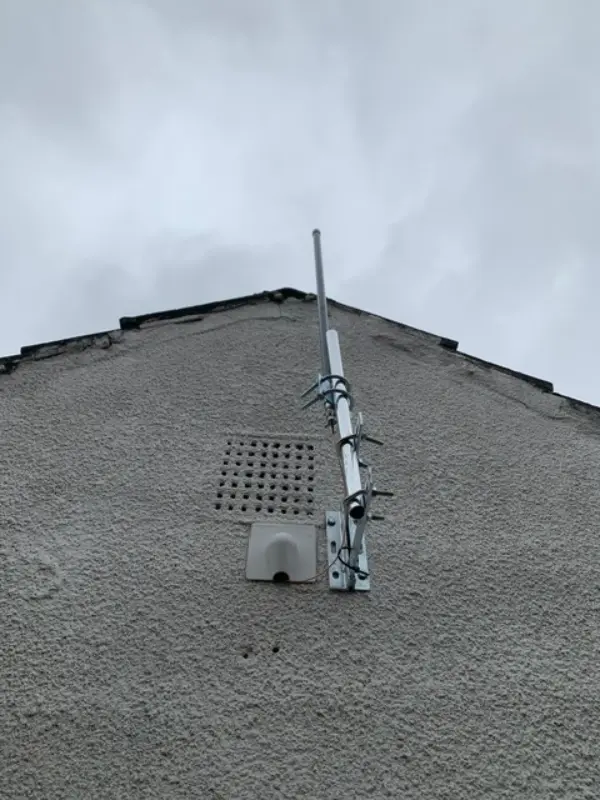
The 2.4 GHz band offers only three non-overlapping 20 MHz channels in the UK. In a typical suburban street, 30–50 WiFi clients compete for these channels. The 5 GHz band offers 19 non-overlapping 20 MHz channels, and fewer clients use it because 5 GHz has shorter range and older devices do not support it. Even a 5 GHz connection with a lower received signal strength (-75 dBm) can outperform a 2.4 GHz connection at -65 dBm if the 2.4 GHz channel has 10 competing networks and the 5 GHz channel has none. Throughput tests often show 5 GHz providing 50–100 Mbps while 2.4 GHz on the same connection struggles at 10–20 Mbps.
Camera Compatibility and Hardware Limitations
Many budget wireless cameras support only 2.4 GHz, citing compatibility and range advantages. This is a deliberate cost-saving measure that limits the camera’s performance in congested environments. Mid-range and premium cameras typically support dual-band 2.4/5 GHz. Even when a camera supports 5 GHz, ensure it supports the specific 5 GHz channel frequencies used in the UK (channels 36–64 and 100–140). Some imported cameras only support US 5 GHz channels (149–165), which are not available in the UK due to different regulatory allocations.
Practical Recommendations for UK Installations
For cameras within 10 metres of the access point with at most one wall between them, use 5 GHz if the camera supports it. For cameras 10–20 metres away or through two walls, use 2.4 GHz but manually select the least congested channel. For cameras in detached buildings, use a wired Ethernet connection with a PoE extender or a point-to-point wireless bridge that bypasses the congested WiFi bands entirely. Avoid mixed-band operation: force the camera to use a specific band rather than allowing it to auto-select.

Video: DIY Security Camera Installation Guide: Pro Tips You Need
Frequently Asked Questions
1. Which WiFi band is best for outdoor CCTV cameras?
Answer: For cameras within 10 metres of the router with one wall, 5 GHz is better. For longer distances or multiple walls, 2.4 GHz is necessary. Scan channels at the camera location before deciding. For more detail, see Can pub CCTV in smoking shelters record audio legally?. Also read our related guide: LoRaWAN for Remote CCTV: Long-Range Low-Bandwidth Alternative. Browse our security technology hub at Uni Blog Security Hub. Official UK guidance on this topic: Surrey Security Centre.
2. Why does my 2.4 GHz camera have poor video quality?
Answer: 2.4 GHz band congestion from neighbouring networks is the most likely cause. The 3 available channels are shared by 15–30 nearby networks, leaving little airtime for your camera. For more detail, see How to install CCTV for Retail Shops and Stores - UK step by step guide 2026. Also read our related guide: 4G/5G Cellular Failover for Rural CCTV.
3. Can I use both 2.4 GHz and 5 GHz for the same camera?
Answer: Some dual-band cameras can use both bands simultaneously for failover, but most can only connect to one band at a time. Check the camera specifications for simultaneous dual-band support. For more detail, see Does False Alarm Reduction CCTV reduce insurance premiums in 2026? UK guide. Also read our related guide: Mesh WiFi vs Point-to-Point for Camera Networks.
4. Does 5 GHz use more power than 2.4 GHz?
Answer: 5 GHz radios consume slightly more power than 2.4 GHz, reducing battery life in wireless cameras by 10–15%. For mains-powered PoE cameras, the difference is negligible. For more detail, see How to maintain Hotels and Hospitality CCTV systems - UK guide 2026. Also read our related guide: CCTV Cable Parallel to Mains Power Causes Interference.
5. What WiFi standard is needed for HD CCTV streaming?
Answer: 802.11n is sufficient for 1080p streaming. 802.11ac or WiFi 6 (802.11ax) is recommended for 4K streaming. Older 802.11g cameras struggle with HD video and should be upgraded. Also read our related guide: Junction Box Necessity for Outdoor CCTV Connections.
Conclusion
The difference between a security system that works and one that frustrates is understanding the real-world behaviour of cameras, cables, and the environment they operate in. Manufacturers sell specifications. Installers solve problems. The questions above represent the issues that UK homeowners and businesses actually face — the ones the spec sheets do not mention.
Article by Gary Pearce, qualified security systems engineer. For a free security assessment, visit gary-pearce-home-services.pages.dev. This guide was last updated June 2026. Verify current UK regulations with the ICO.